The Future of Flexible Meeting Spaces in 2026: Powered by Audiovisual Innovation
In 2026, the modern workplace is no longer defined by static boardrooms and rigid layouts. Instead, organizations are embracing flexible meeting spaces – dynamic, technology-driven environments designed to support hybrid teams, boost collaboration, and maximize real estate efficiency. At the heart of this transformation is the rapid evolution of audiovisual (AV) technology, which has become a critical enabler of seamless communication and productivity.
The Shift Toward Flexibility
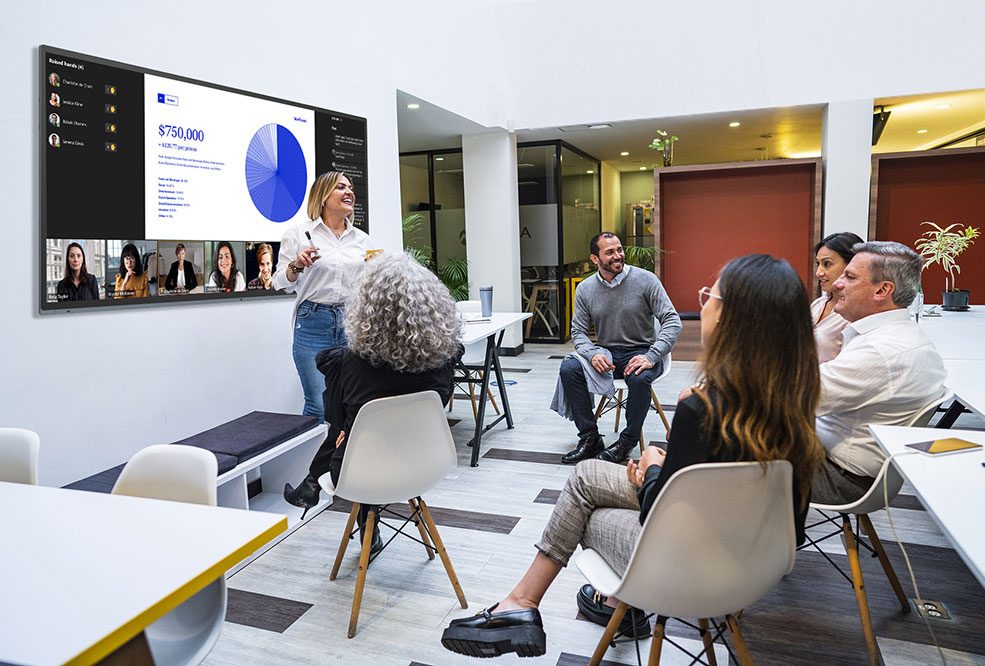
 The rise of hybrid work has fundamentally changed how people gather. Teams are now distributed across cities, countries, and time zones, requiring meeting spaces that adapt instantly to different group sizes and collaboration styles. A single room might host a client presentation in the morning, a hybrid brainstorming session in the afternoon, and a global town hall later in the day.
Flexible meeting environments achieve this through:
- Modular furniture and movable partitions
- Scalable AV systems
- Wireless connectivity and device-agnostic design
- Smart scheduling and room automation
But while furniture and layout are important, it is the AV foundation that ultimately determines how effective these spaces are.
AV as the Backbone of Hybrid Collaboration
In 2026, AV systems are no longer a “nice to have” – they are mission-critical. Employees expect meetings to work flawlessly regardless of location. This demand has led to the widespread adoption of intelligent, integrated AV ecosystems.
1. Smart Cameras and AI-Driven Video
Advanced cameras now use AI to:
- Automatically frame speakers and track movement
- Switch perspectives based on who is speaking
- Provide equitable visibility for both in-room and remote participants
This ensures that remote attendees feel just as present as those physically in the room, eliminating the “second-class participant” problem that plagued early hybrid meetings.
2. Intelligent Audio Systems
Clear audio is the single most important factor in meeting success. Modern spaces leverage:
- Beamforming microphone arrays that capture voices across the room
- Noise cancellation and voice isolation
- Speaker tracking to enhance clarity
These systems adapt dynamically, ensuring consistent sound quality even as people move around or reconfigure the space.
3. Wireless Content Sharing
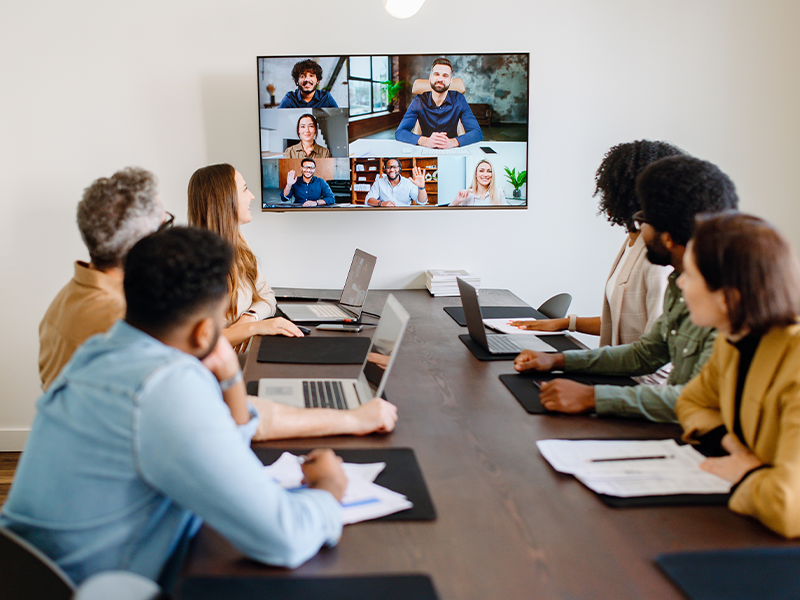 Gone are the days of HDMI cables and compatibility issues. Flexible meeting rooms now feature:
- One-touch wireless presentation systems
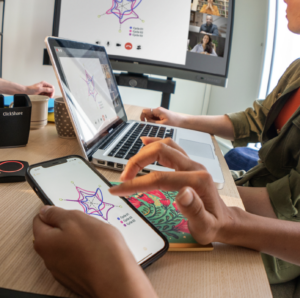
- Multi-device collaboration (laptops, tablets, mobile devices)
- Real-time co-editing and annotation tools
Participants can join and share content instantly, making meetings more fluid and inclusive.
4. Unified Communications Integration
Modern AV setups integrate seamlessly with platforms like Microsoft Teams, Zoom, and other collaboration tools. This creates:
- Consistent meeting experiences across rooms
- Simplified user interfaces
- Reduced IT complexity
With “one-touch join” capabilities, users can start meetings effortlessly, reducing friction and wasted time.
Designing for Adaptability
The true power of 2026 meeting spaces lies in their ability to scale and adapt. AV systems are now designed with flexibility in mind:
Modular AV Infrastructure
Organizations are investing in modular systems that can expand or contract based on needs. For example:
- Adding additional microphones or displays for larger groups
- Reconfiguring rooms without overhauling the entire system
- Supporting multiple use cases with a single setup
Cloud-Based AV Management
IT teams manage devices remotely through cloud platforms, enabling:
- Real-time monitoring and troubleshooting
- Software updates without physical intervention
- Data-driven optimization of room usage
This reduces downtime and ensures consistent performance across locations.
Sensor-Driven Automation
 Meeting rooms now use occupancy sensors and analytics to:
- Automatically adjust lighting, temperature, and AV settings
- Optimize space utilization
- Provide insights into how rooms are used
These capabilities allow organizations to make smarter decisions about space design and investment.
Enhancing Employee Experience
Flexible meeting spaces are not just about efficiency, they are about experience.
Employees expect meetings to be:
- Easy to start
- Visually engaging
- Inclusive and interactive
High-quality displays, immersive audio, and intuitive interfaces contribute to a more enjoyable and productive meeting environment. This, in turn, drives:
- Greater engagement
- Better decision-making
- Improved collaboration outcomes
Sustainability and Efficiency
Another key trend in 2026 is the alignment of AV technology with sustainability goals. Smart systems help organizations:
- Reduce energy consumption by powering down unused equipment
- Optimize space usage, minimizing real estate needs
- Extend equipment life through remote management and updates
Flexible meeting spaces are not just smarter, they are greener.
What Businesses Should Consider
To fully leverage flexible meeting spaces, organizations should focus on:
- Standardization across rooms for consistency
- Scalability to accommodate future growth
- User-centric design to minimize training and adoption barriers
- Interoperability with existing tools and platforms
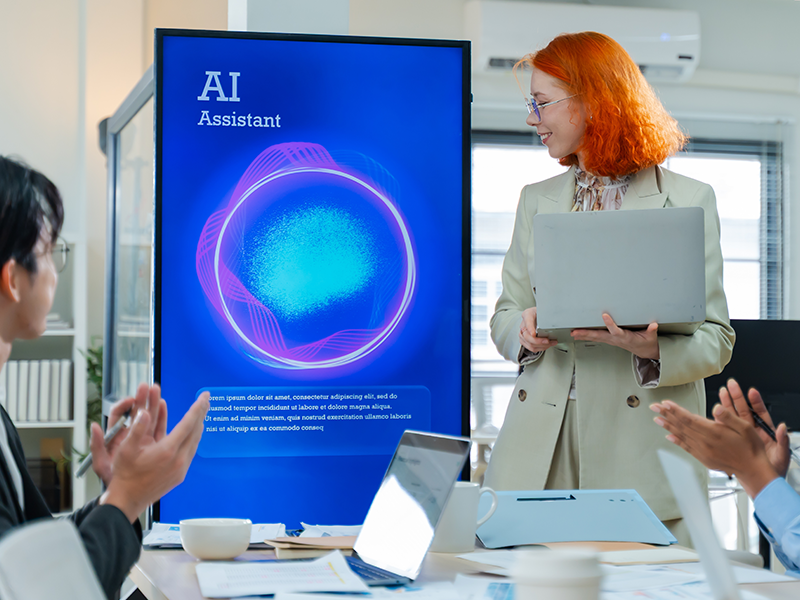 Investing in the right AV ecosystem is key to unlocking the full potential of flexible work environments.
Looking Ahead
As we move deeper into 2026 and beyond, the line between physical and digital collaboration will continue to blur. Emerging technologies such as spatial computing, immersive video, and AI-driven meeting assistants will further enhance how teams connect.
Flexible meeting spaces will evolve from being reactive environments to proactive, intelligent ecosystems – anticipating user needs and adapting in real time.
Final Thoughts
Flexible meeting spaces are no longer a trend – they are the standard for modern workplaces. By leveraging advanced audiovisual technology, organizations can create environments that are adaptable, inclusive, and future-ready.
In a world where collaboration knows no boundaries, the right AV strategy isn’t just supporting meetings. It’s redefining how work gets done.
Whether it’s projection, displays, office furniture, or audio, Almo ProAV has a broad offering of manufacturing partners to support your business! Please feel free to reach out to me or your Almo Rep.

Angie Greene | DSCE
Business Development Manager
Supported Manufacturers: Panasonic Connect
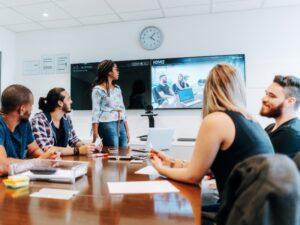 You’ve likely walked into spaces with great hardware but a frustrating experience – rooms that are inconsistent from one space to the next, difficult to operate, or plagued by audio issues.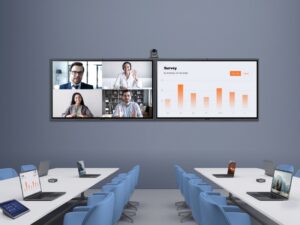


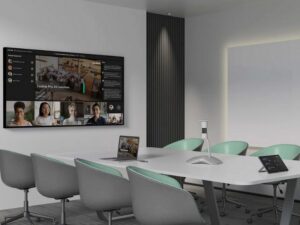
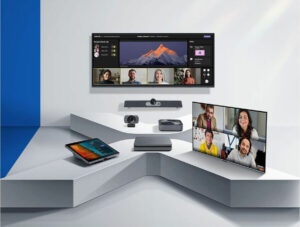 Here are a few examples of plug-and-play options that integrators are leveraging to help clients upgrade quickly: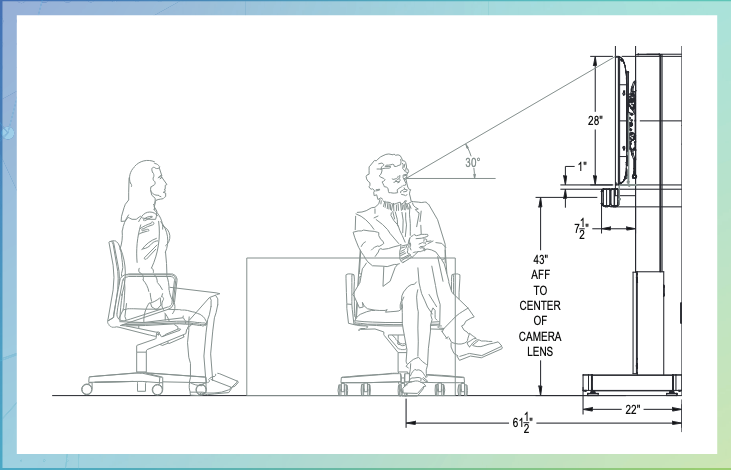
 Display Solutions
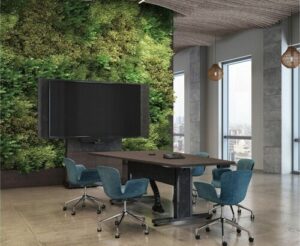 Free-Standing Mounts
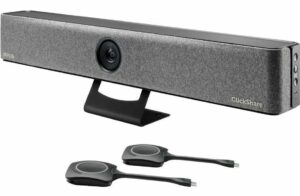 Effective video conferencing is essential for remote collaboration. The
  Reliable power management is critical to maintaining uninterrupted operations in your huddle space. The
 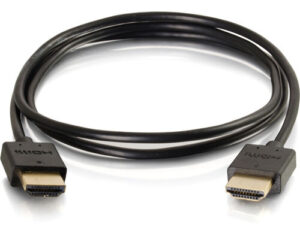 Quality cables are the backbone of any AV setup, ensuring clear and stable signal transmission. The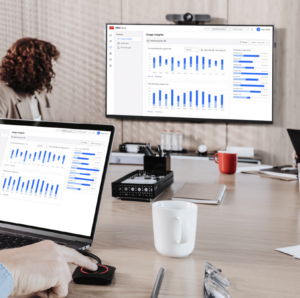
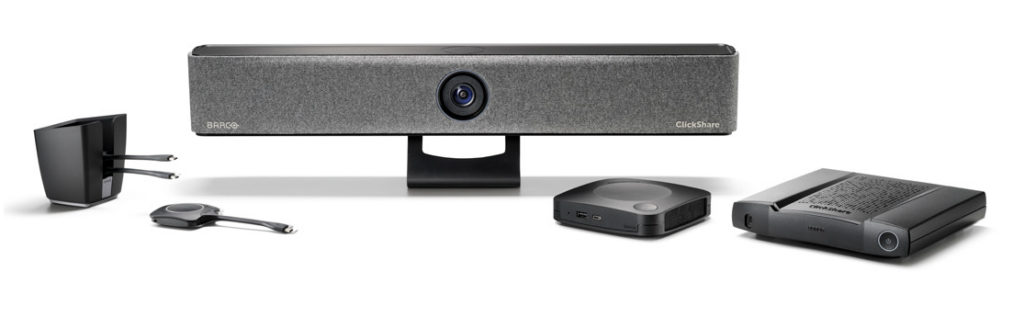
 In today’s interconnected world, every meeting room, collaboration space, or presentation environment demands a complete and integrated AV solution. These can be very simple or quite complex. By asking all the right questions and offering all of the best solutions accordingly—you provide customers with a reliable, user-friendly experience that meets their goals and budgets. For resellers and integrators, this approach not only drives sales but also solidifies your role as a trusted partner in delivering cutting-edge AV solutions.
 What equipment is needed for a Teams meeting?
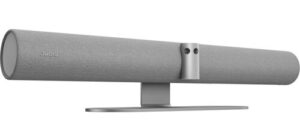 Exertis Almo offers a range of devices that meet these needs, such as the
 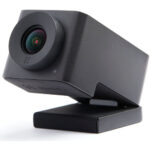 For example, the
  The
The