The Anatomy of An Audio System
Discover professional audio essentials
At Almo Pro AV, we typically focus on the technologies, trends, and solutions that help systems integrators design and deliver exceptional AV experiences. This guest post takes a different approach, stepping back to revisit the building blocks of a professional audio system.
Whether you’re onboarding new team members, helping sales staff better understand audio concepts, or simply looking for a refresher on system fundamentals, understanding how the core components work together can set the stage for more successful projects.
Professional audio systems can seem complex at first glance, but when broken down into their key elements, the signal path becomes much easier to understand. In this guide, we’ll walk through the essential components that make up a professional audio system and explain how they work together to create a reliable, high-performing solution.
Understanding what completes an audio system and partnering with a team of experts can make all the difference.
 The Core Mission of Any Audio System
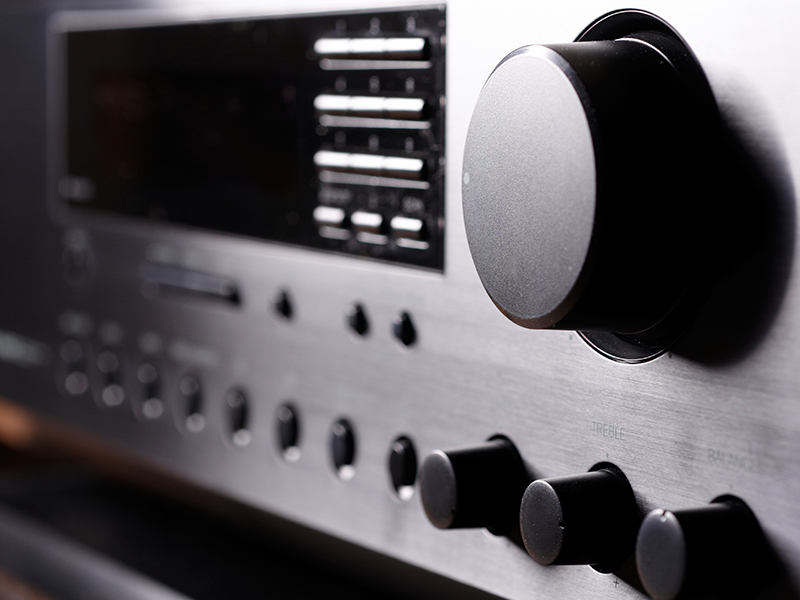
When you strip away the knobs, cables, and flashy gear, you can find that every audio system does the same thing: it takes sound waves, converts them into electrical signals to modify, combine, or amplify them, and then pushes them back out as physical sound waves.
You see this process in action every day, in many different places.
- Your living room home theater blasting a movie soundtrack
- A car audio system rocking your morning commute
- A massive stadium PA system or corporate video conference setup
- A professional recording studio capturing the next hit single
Different gear, same fundamentals. No matter how massive or tiny the setup is, the goal never changes: to capture and recreate sound as clearly, accurately, and powerfully as the environment demands.
The Breakdown
Audio solutions consist of a powerful network of components, all working together to deliver clear, balanced, and reliable sound. Each component is critical to the overall ecosystem. Selecting and integrating these elements is the key to flawless audio quality.
There are four key components to every professional audio system.
- Inputs and Sources
- Processing
- Amplification
- Output


Inputs and Source
As the foundation of any audio system, inputs and sources are “where the sound comes from.” They represent the very first step in assembling your setup and include:
- Microphones
- Instruments and pickups
- Computers/phones/tablets
- Blu-Ray/DVD/CD Players
- Streaming media players
 Processing

Audio processing is the practice of altering and refining sounds and sources after they have been recorded. Adjusting volume levels, reducing unwanted noise, and blending all ensure that the final mix sounds clean and balanced.
Types of processors:
- Mixers (analog or digital)
- Computer interfaces
- Digital Audio Workstations (DAWs)
- Audio Digital Signal Processors (DSPs)
- Equalizers
- Compressors
- Effects (including reverb, delay, and modulation)
- Combiners/splitters
- Encoders/decoders
- Long distance transmitters
- Recording devices (analog or digital)
Amplification
Once you have your audio sources, the next step is boosting the signal. Amplification takes quiet, initial sounds and makes them powerful.
- Loudspeaker amplifiers
- Headphone amplifiers
- Pre-amplifiers that boost signals prior to loudspeaker amplification
Output
The final step to a professional audio system involves converting the signals back to a sound wave. By sending the amplified signal to your speakers or monitors, this step brings the entire process to life, allowing listeners to hear your sound clearly.
Loudspeakers can come in a variety of formats:
- Installed loudspeakers: ceiling, surface-mount, pole-mount, and in-wall
- Portable loudspeakers: for DJs, performing bands, and public speaking
- Line array systems: optimal for performance venues
- Studio monitors: essential for recording studios
- Built-ins: loudspeakers hardwired into displays and monitors
In addition to loudspeaker options, headphones are an effective output solution.
 Expertise You Can Rely On
Whether you’re building complex enterprise audio environments or helping the next generation of AV professionals understand the fundamentals, having the right technology and the right support can make all the difference.
At Almo Pro AV, we’re proud to be a trusted partner for professional audio, offering a comprehensive portfolio of solutions backed by deep technical expertise, strong manufacturer relationships, and dependable product availability. Our dedicated audio team works alongside you at every stage of the project lifecycle, from system design and product selection to implementation and ongoing support.
What sets us apart:
- Expansive line card of leading audio brands
- More than 25 years of Pro AV expertise
- A full-solution approach focused on project success
- Reliable inventory and availability to keep projects moving
No matter where you are in the process, Almo Pro AV is here to help you deliver audio solutions with confidence, today and into the future.





 If I do away with the copper line, what would I be giving up?
 Some emergency preparedness documents reference the “copper wire-based landline phone” as the preferred communication option in a disaster.
 As an audio person, it carries more significance. One of my favorite books has been The Idea Factory – Bell Labs and the Great Age of American Innovation. Through it weaves the names of Harvey Fletcher, Wilden Munson, Harry Nyquist, Walter Shewhart, Claude Shannon and more. Audio, as we know and use it today has its roots deep in the development of the telephone and the work performed by the many engineers at Bell Labs. Reading it is like of tour of our audio ancestral roots.

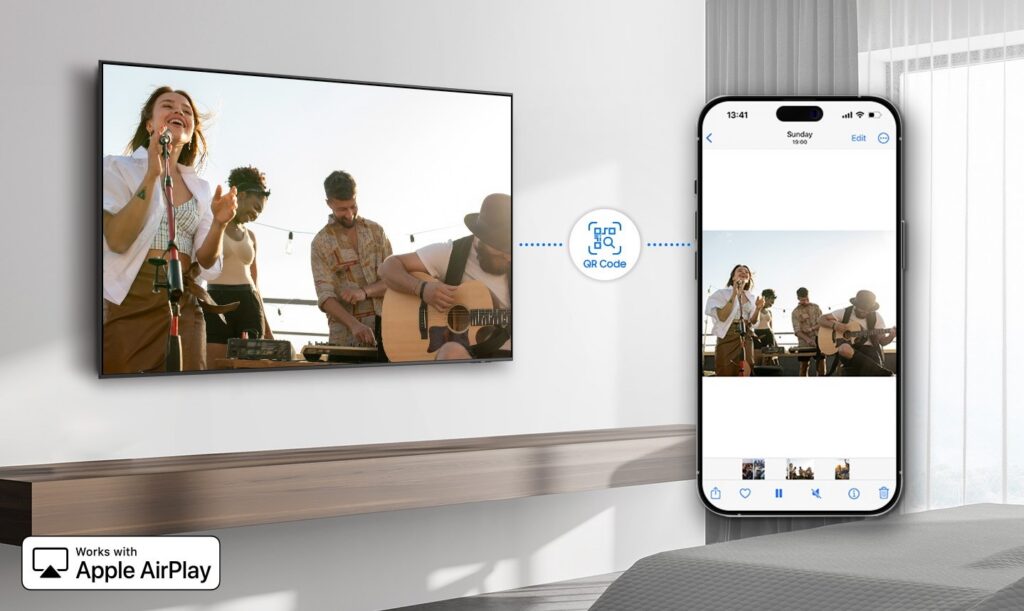
 Walk into any hotel lobby today, and you’ll see what I mean; digital signage is everywhere, and it’s doing real work. It’s helping guests:

 If you’ve ever had a client ask you to update dozens of screens across multiple properties… you know how rough local content management can be.


 JBL changed the live sound market when they introduced the original EON powered loudspeaker in 1995. The EON was a radical concept – a compact, portable loudspeaker with a built-in amplifier and simplified mixer that allowed musicians, DJs, and public speakers to roll up to a gig and be ready to play or present within a matter of minutes without the need for any outboard mixers or amplifiers.
 The JBL
  The JBL