Optimizing AV Systems for Hybrid Classrooms: Best Practices for Integrators
- Prioritize High-Quality Cameras & Flexible Coverage

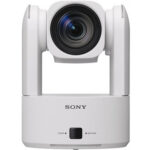
Opt for PTZ (Pan-Tilt-Zoom) cameras instead of fixed-lens models. They allow remote students to follow the instructor and classroom activity seamlessly. Lumens even suggests avoiding fixed lenses for multipurpose rooms due to their limited coverage.
✓ Best practice suggestions:
-
- Choose auto-tracking cameras for hands-free presentation.
- Allow remote focus and zoom control via a secondary display or control console.
- Important: Don’t Allow Poor Audio to End the Class

Clear and intelligible audio is the foundation of effective hybrid learning. Ceiling mounted beamforming microphones, conferencing soundbars, and digital signal processors with (AEC) acoustic echo cancellation are just a few of the possible solutions used to ensure the class sounds as good as it looks.
✓ Best practice suggestions:
-
- Consider lapel mics for presenters and ceiling or table mics for students to stay loud and clear. Microphones are just as important as the loudspeakers being used.
- Route audio through a central DSP with dynamic equalization, feedback suppression, and AEC (acoustic echo cancellation) to help balance out the sound and ensure no unwanted feedback/echo.
- Room acoustics matter. Taking into consideration the possible obstacles of reflective surfaces, open ceilings, and unwanted noises in the room will go a long way to stellar performance.
- Upgrade Displays and Sharing Infrastructure

Dual displays, one for content, another for live video feed, help both in-room and remote participants stay engaged. Having the right size displays will ensure everyone in the room can clearly view what is being shown. Interactive whiteboards also boost collaboration, allowing annotations and media sharing in real time.
✓ Best practice suggestions:
-
- Use interactive touch screens, or interactive projectors.
- Consider industry standards when it comes to the recommended display size for a given space.


- Fortify Network Reliability
A strong network is non-negotiable. Hybrid systems demand reliable bandwidth and proper Quality of Service (QoS) prioritization to avoid audio dropout or video lag.
✓ Best practice suggestions:
-
- Validate network health before installation.
- Create separate AV VLANs to isolate traffic and maintain stability.
- Ensure Wi-Fi strength supports classroom needs effectively.
- Integrate Seamlessly with LMS and Collaboration Platforms
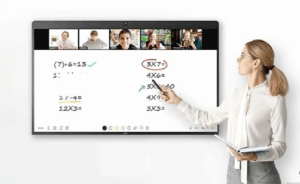
Ease of use for educators is essential. Sick of manual setup? So are teachers. Make sure your AV design integrates smoothly with platforms like Canvas, Blackboard, Zoom, or Microsoft Teams.
✓ Best practice suggestions:
-
- Test both live streaming and on-demand delivery.
- Tie AV controls into existing classroom software wherever possible.
Why This Matters
Hybrid learning isn’t just a trend. It’s backed by data: over two-thirds of educators now embrace it. When AV systems falter due to poor audio, unreliable cameras, lagging video, remote learners disengage. Your expertise in deploying smart, integrated AV systems can ensure every voice is heard and every lesson matters.
Final Take
By implementing PTZ cameras, dependable audio, dual-display systems, robust networking, and smart integrations, you’ll deliver hybrid environments that feel inclusive, intuitive, and professionally engineered. For AV integrators who stay ahead of these practices, the payoff is improved learning outcomes, and stronger client trust.
Ready to upgrade your hybrid classroom AV? Connect with your Almo team for a free consultation on your next project.
 The Trade Agreements Act (TAA) was enacted to encourage fair and open international trade, but in practice it has implemented the requirement that the US government may only acquire US- or “designated end country”-made end products.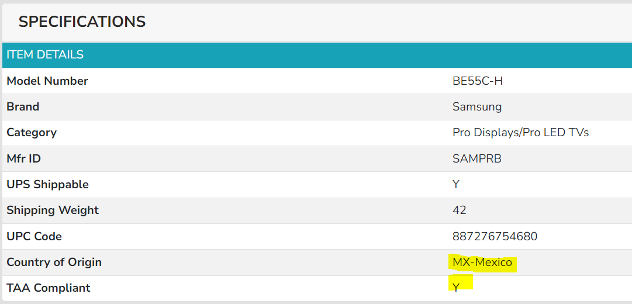
 AV OVER IP ENCODERS/DECODERS
 CABLES
 CAMERAS
 CONFERENCING
 CONTROL
 AMX
AMX  Atlas
Atlas  MOUNTS
 DIGITAL SIGNAGE
 AMX
AMX 
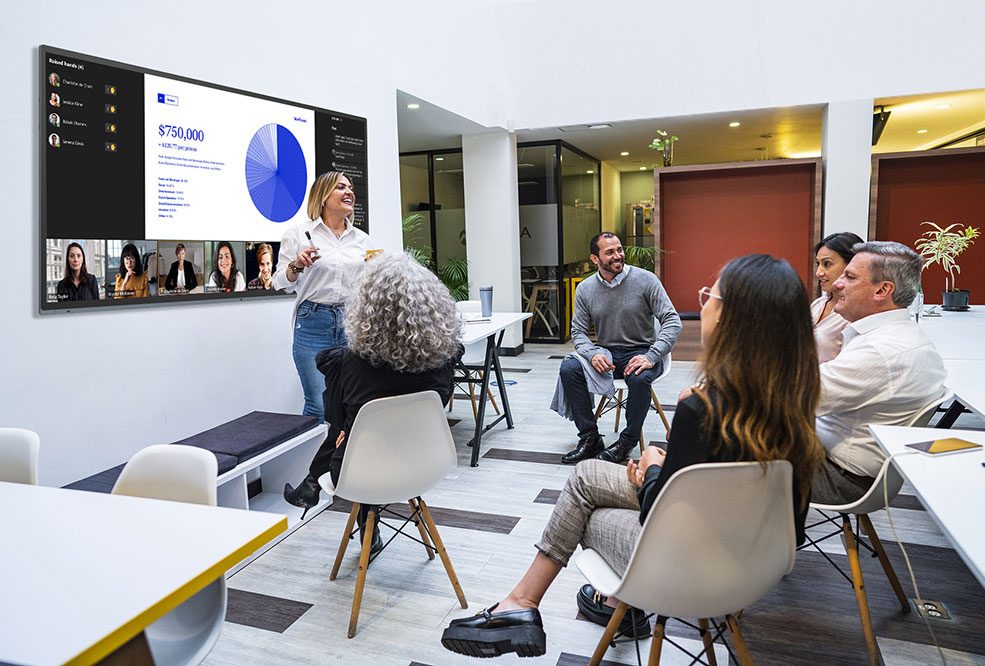 What equipment is needed for a Teams meeting?
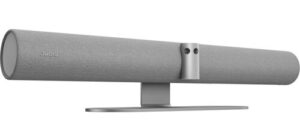 Exertis Almo offers a range of devices that meet these needs, such as the
 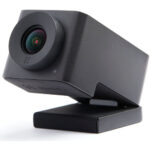 For example, the
  The
The 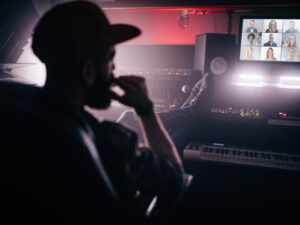 Let’s say Robbie Van Winkle, aka Vanilla Ice, wants to revive his singing career and plans to have Teams meetings with record producers across the globe. Maybe he needs a PTZ camera that offers tracking via Artificial Intelligence so that the far end will see his expressions as he paces the meeting room. Perhaps he needs the camera to focus on him and not his entourage in the background. Maybe he needs a simple, clean audio solution with a fantastic mic array and excellent speakers mounted on the wall. I would be happy to help Robbie’s AV integrator select the right materials for the job. AND if Robbie wants to join our meeting, that’s excellent too.
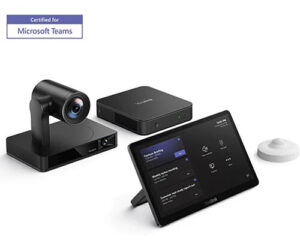 While we offer MTR licensing, we are aware many have a solution in place. Keep in mind, we can tailor a complete MTR solution, including Teams Room licenses to fit the budget and needs. Regardless of where you acquire your solution, do you have the right hardware to make for the best meetings? A camera and audio are a great starting point, but we can help you further. Do you need to share content with the participants in the room even when not using a conference solution? Do you need to capture these meetings for later playback? Has a touch control panel been considered? Or perhaps an interactive display?
 Crystal-Clear Communication
 Who said training has to be boring? With the latest interactive displays, training sessions become an immersive experience that gets everyone pumped. Picture this: government employees in front of massive touchscreens, collaborating on real-time scenarios, and solving problems together like a band jamming out a new hit.
  Now, let’s crank it up a notch for our audience with hearing impairments. Assisted listening devices (ALDs) are like the VIP passes that make sure everyone gets front-row sound, no matter where they’re seated. One of the rockstars in this space is Listen Technologies with their Listen EVERYWHERE system. This cutting-edge solution streams audio directly to users’ smartphones, letting them tap into the sound with their own headphones or hearing aids. Whether it’s hearing loops that sync up with hearing aids or infrared systems that cut through the noise, these bad boys plug right into the AV setup, delivering crystal-clear audio straight to those who need it most.