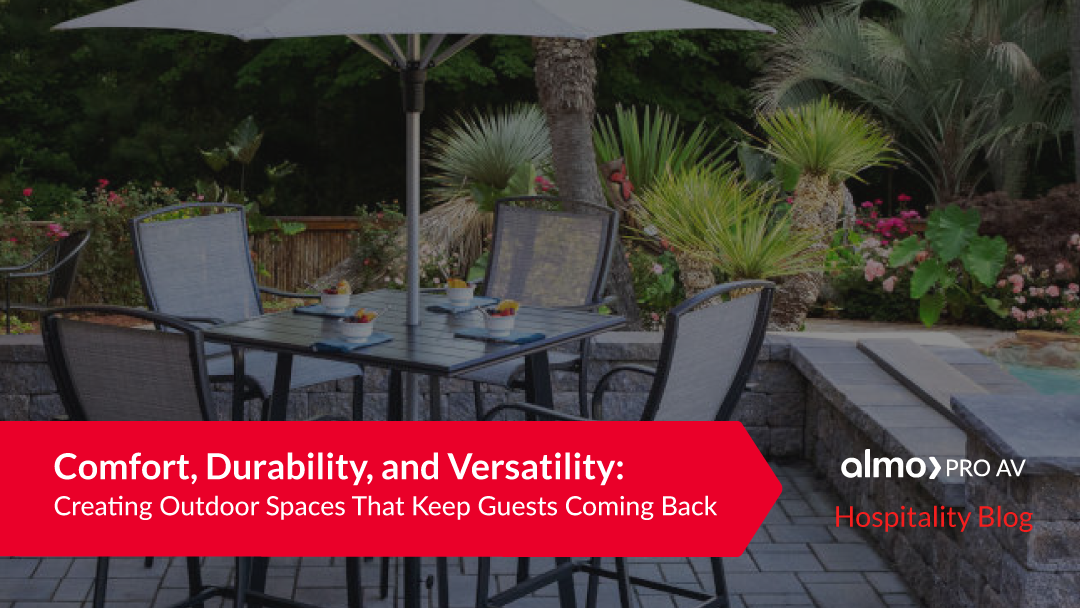
Comfort, Durability, and Versatility: Creating Outdoor Spaces That Keep Guests Coming Back
 Thoughtful outdoor design can transform a wide range of hospitality and commercial spaces, including:
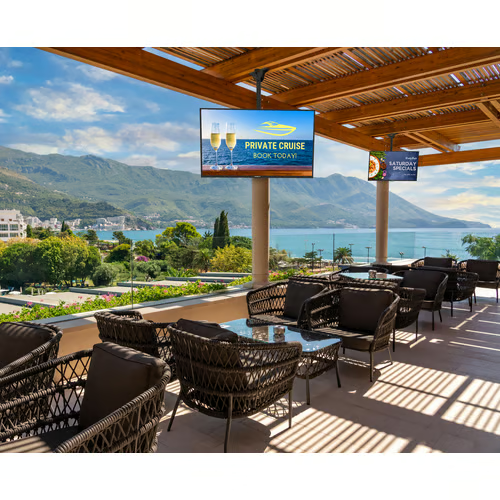
- Hotel patios and courtyards, where guests want comfortable places to relax, work, or socialize
- Restaurants and bars looking to expand seating without compromising style or comfort
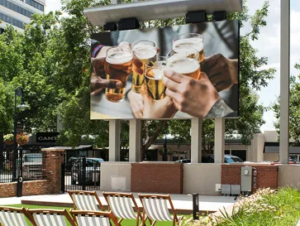
- Sports bars, where outdoor viewing areas keep energy high on game days
- Resorts, from poolside lounges to outdoor dining and gathering spaces
- Outdoor retail and mixed-use environments that benefit from inviting, well-furnished common areas
No matter the setting, outdoor spaces should feel just as intentional and welcoming as indoor ones.
Outdoor Furniture Built for Hospitality Environments
Outdoor furniture in hospitality settings has to do more than look good. It needs to withstand sun, rain, humidity, and frequent use, all while staying comfortable and visually appealing over time. That’s why weather-resistant materials and commercial-grade construction are essential when selecting outdoor furnishings.
Agio Outdoor Furniture: Custom Design Meets Long-Lasting Performance
Agio outdoor furniture offers hospitality spaces the flexibility to design seating that truly fits their layout and guest flow. Featuring Resysta, a durable composite material designed for outdoor use, Agio allows customers to create custom outdoor furniture pieces tailored to their specific space.
Resysta is resistant to moisture, heat, and UV exposure, making it a strong choice for high-traffic outdoor areas. The result is furniture that maintains its appearance and performance season after season, without the maintenance demands of traditional wood.
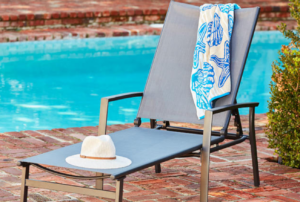 Cape Soleil Outdoor Furniture: Designed for Comfort and Heavy Use
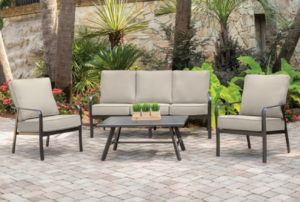
Cape Soleil outdoor furniture is built with hospitality environments in mind. Designed to handle daily use in commercial settings, these pieces combine durability with comfort, making them ideal for patios, pool decks, and outdoor dining spaces where guests expect to relax and stay awhile.
Explore the Cape Soleil lineup.
Outdoor Hospitality TVs: Entertainment Without Compromise
Outdoor TVs have become a must-have for many hospitality environments, especially for restaurants, bars, and resorts looking to extend entertainment beyond their indoor spaces. Outdoor hospitality TVs are specifically designed to perform in challenging conditions, offering:
- Weather resistance to handle rain, heat, humidity, and dust
- Minimal glare, ensuring clear visibility from multiple seating angles
- High brightness levels so screens remain viewable even in direct sunlight
By incorporating outdoor TVs, venues can host game-day crowds, outdoor movie nights, or live events, keeping guests engaged and on-site longer.
Finishing Touches That Bring Outdoor Spaces to Life
While furniture and TVs create the foundation of an outdoor space, it’s the finishing touches that truly elevate the experience.
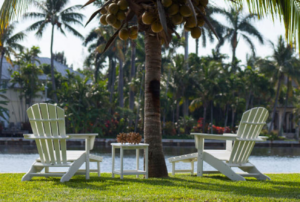 Lighting adds warmth and extends usability well into the evening, creating a welcoming ambiance after sunset
- Outdoor rugs help define seating areas, add texture, and soften hard surfaces
- Live music or quality outdoor audio systems enhance the atmosphere without overwhelming conversation
Together, these elements help outdoor spaces feel cohesive, intentional, and just as refined as indoor environments.
Creating Outdoor Spaces Guests Want to Return To
Successful outdoor hospitality solutions combine durability, comfort, and atmosphere. By investing in high-quality outdoor furniture, reliable outdoor entertainment, and thoughtful design details, hospitality venues can transform patios, terraces, and courtyards into high-performing spaces that enhance the guest experience and drive long-term value.
When outdoor areas are designed with the same care as indoor spaces, they become destinations in their own right, spaces guests remember, recommend, and return to.
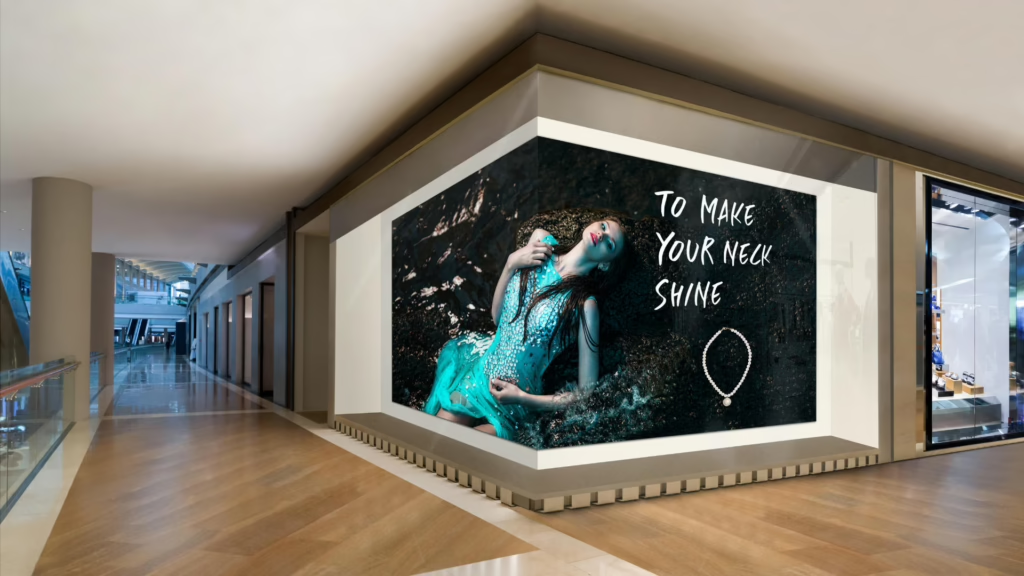
 When it comes to
 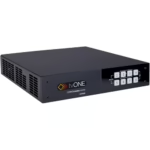 For more advanced installations,
 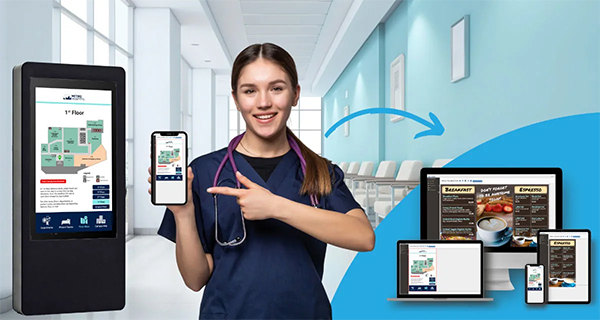 We’re seeing displays become intelligent communication hubs that support wayfinding, workplace collaboration, room scheduling, business dashboards, visitor engagement, emergency notifications, and interactive experiences. With cloud management, remote monitoring, automation, and AI continuing to evolve, digital signage is becoming a strategic business platform rather than just another AV system.

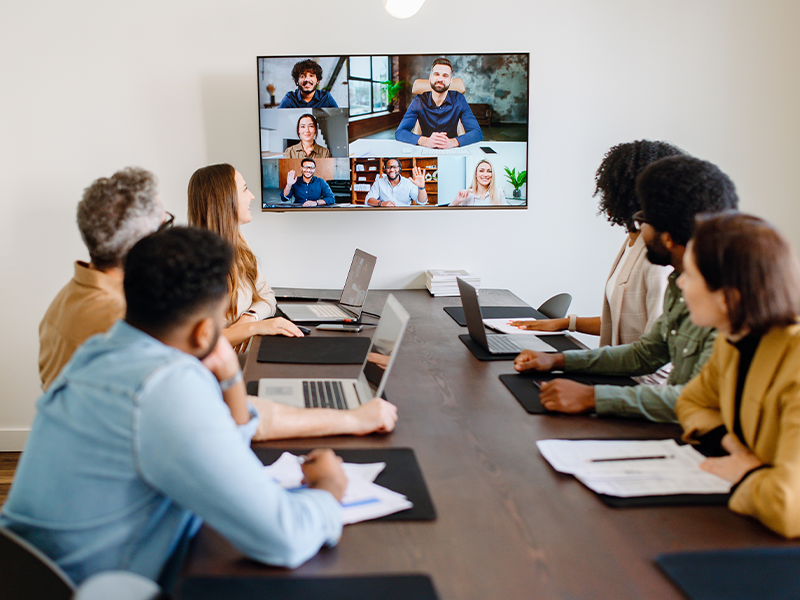





 We provide insight into: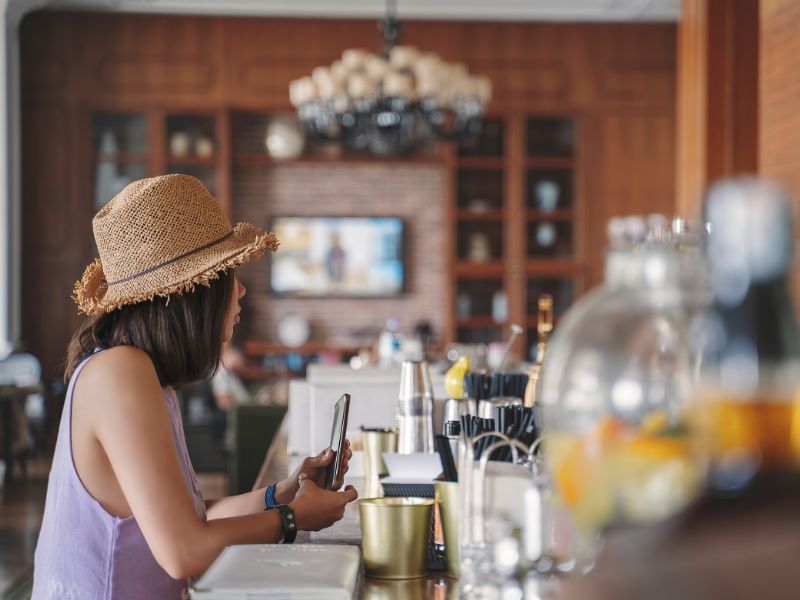
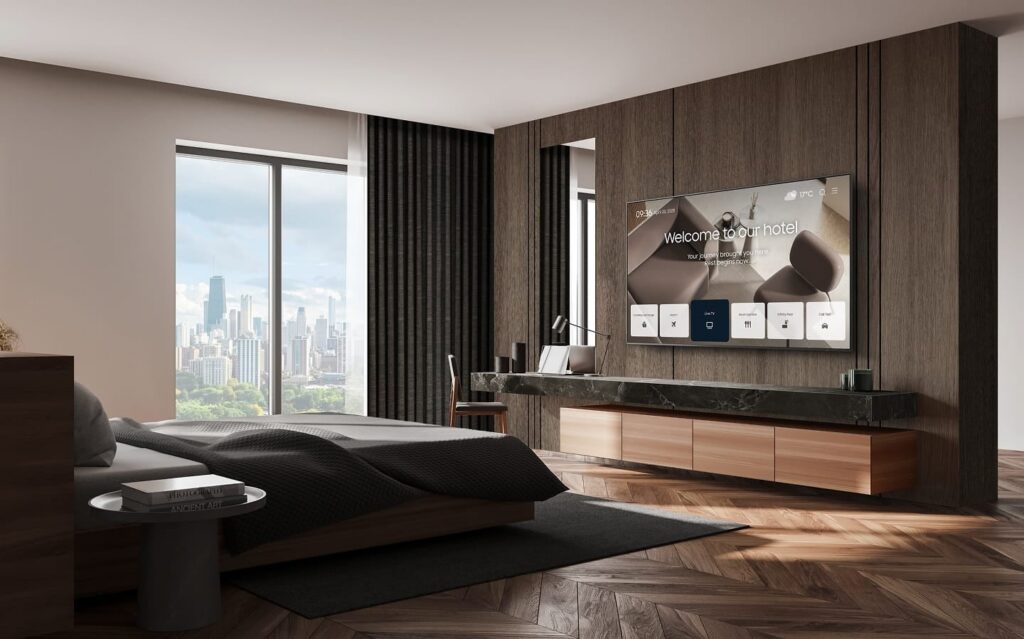
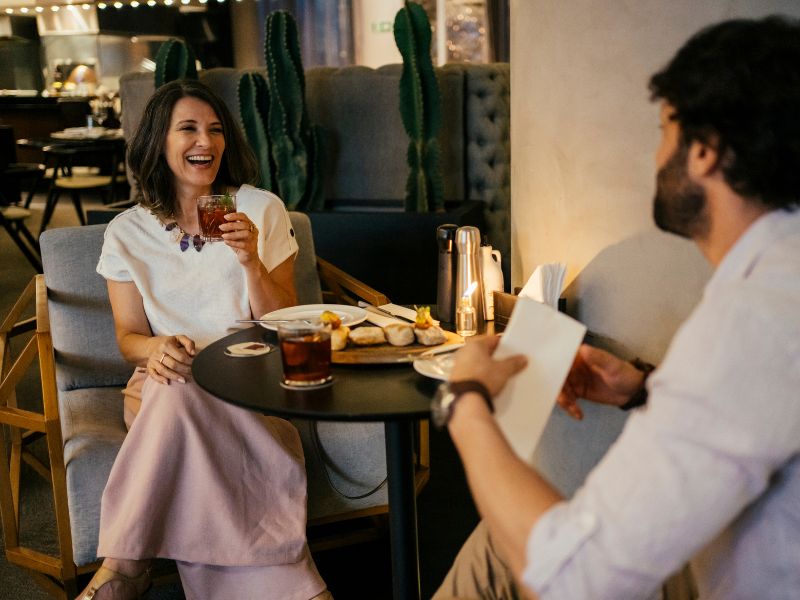 Walk into any hotel lobby today, and you’ll see what I mean; digital signage is everywhere, and it’s doing real work. It’s helping guests:
 If you’ve ever had a client ask you to update dozens of screens across multiple properties… you know how rough local content management can be.