Empower Your Corporate Clients with Smart Huddle Spaces: Essential AV Products for Seamless Collaboration
If you’re looking to design and install top-notch huddle spaces, we have everything you need to create the perfect solution for any space and budget, ensuring your corporate clients stay satisfied and return for more. In this blog, we’ll cover the basic principles to foster effective communication and recommend essential AV products for seamless collaboration.
Creating the Perfect Huddle Space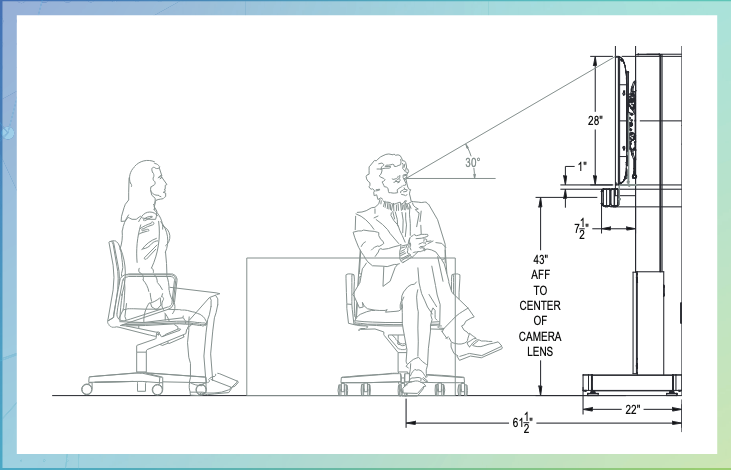
In today’s fast-paced corporate world, having a dedicated spot for quick meetings and brainstorming sessions is essential. But to make these spaces truly effective, they need the right tech solutions to enhance user productivity.
Building the perfect huddle space involves more than just selecting the right products. It’s about creating an environment that fosters collaboration and inclusion for a hybrid workforce.
Here are some tips to help you design an effective huddle space for your clients:
- Strategic Placement: Position your display and video conferencing equipment to ensure that everyone in the room has a clear view and can participate fully.
- Comfortable Seating: Provide comfortable seating arrangements that encourage engagement and interaction.
- Adequate Lighting: Ensure that the space is well-lit to reduce eye strain and create a welcoming atmosphere.
- Good Accoustics: Consider soundproofing or use sound-absorbing materials to enhance audio quality and reduce distractions during meetings.
- User-Friendly Technology: Choose AV solutions that are easy to use and integrate seamlessly with existing systems.
Essential AV Tech for Collaboration
Huddle spaces come in various configurations and sizes. For an example, check out this flyer featuring a signal flow diagram and elevation drawings prepared by the LinkLab services team for a recent E4 Experience event, where we set up a demo huddle space for attendees to experience firsthand. Now, let’s dive into some of the AV products we offer to elevate any corporate huddle space.
 Display Solutions
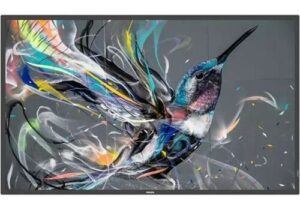
A high-resolution display is the centerpiece of any huddle space. The Philips 55″ Q-Line 4K Ultra HD Display offers stunning visuals and vibrant colors, making it ideal for presentations, video calls, and collaborative work. With its sleek design and advanced features, this display enhances the overall experience and ensures that every detail is visible to all participants. As integrators, you’ll appreciate the ease of installation and the impressive performance this display offers.
 Free-Standing Mounts
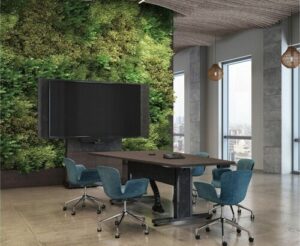
A sturdy and versatile stand or mount is essential for any huddle space setup. The Middle Atlantic Forum Free-Standing Display Stands are designed to support displays ranging from 42″ to 55″. These mounts provide a secure and adjustable platform for your screens, ensuring optimal viewing angles for all participants. Whether you need a floor-to-wall mount or a freestanding option, these products offer flexibility and reliability, making installation a breeze for integrators.
Video Conferencing Solutions
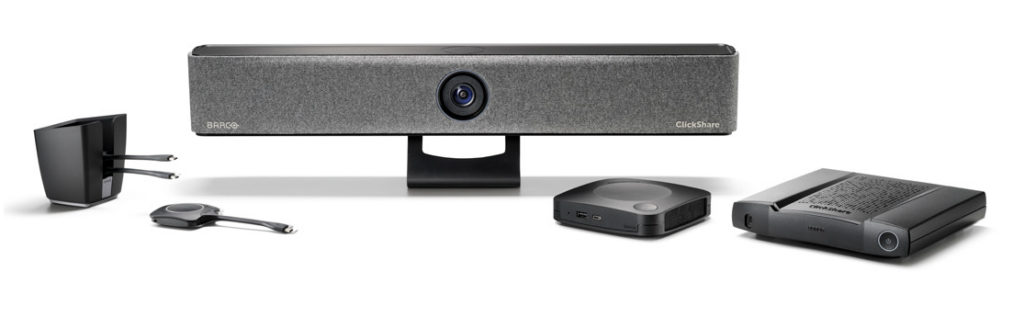
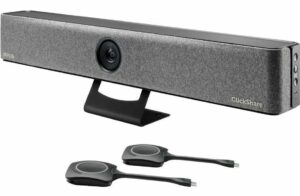 Effective video conferencing is essential for remote collaboration. The Barco ClickShare Bar Pro is a powerful tool that combines a camera, microphone, and speaker into one compact device. This all-in-one solution simplifies the setup process and delivers high-quality audio and video for clear communication. With features like AI-powered noise cancellation and automatic framing, the ClickShare Video Bar Pro ensures that every meeting runs smoothly, making it a valuable addition to any huddle space.
Power Management
 Reliable power management is critical to maintaining uninterrupted operations in your huddle space. The NEXSYS Rackmount PDU from Legrand AV is a horizontal rackmount power solution that offers multi-stage surge protection. This ensures that all your AV equipment is safeguarded against power surges, providing peace of mind and consistent performance. With easy installation and robust protection, it’s a must-have for any huddle space setup.
High-Quality Cables
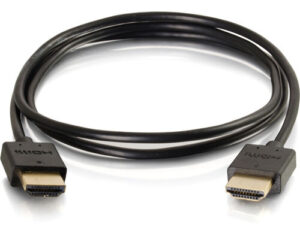 Quality cables are the backbone of any AV setup, ensuring clear and stable signal transmission. The CG41364 HDMI cable from Legrand AV’s C2G Plus Series is designed to deliver high-definition video and audio with minimal interference. This cable supports 4K resolution, making it perfect for presentations and video conferencing. Its durable construction and reliable performance make it an excellent choice for connecting your devices, ensuring your clients get the best possible experience.
Conclusion
By following these guidelines, you’ll create huddle spaces that not only meet your clients’ needs but also foster effective collaboration and productivity. A well-equipped huddle space can significantly enhance your corporate clients’ experience, transforming any corner into a hub of innovation and success that meets the demands of modern corporate environments. Satisfied clients lead to a thriving business for you!
Have more questions or want to consult with us about a specific use case? Connect with Exertis Almo’s Collaboration Solutions Category Manager or contact your Sales Representative, and we’ll help you find the perfect solution for your clients’ needs.
Want to know more? Check out one of our other collaboration solution blogs.
 The Trade Agreements Act (TAA) was enacted to encourage fair and open international trade, but in practice it has implemented the requirement that the US government may only acquire US- or “designated end country”-made end products.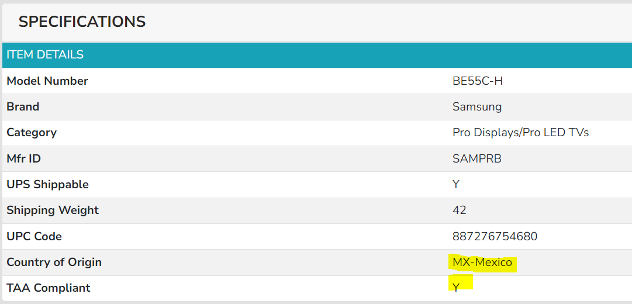
 AV OVER IP ENCODERS/DECODERS
 CABLES
 CAMERAS
 CONFERENCING
 CONTROL
 AMX
AMX 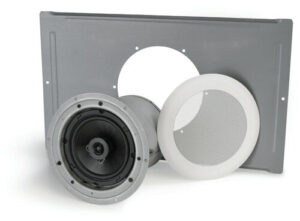 Atlas
Atlas  MOUNTS
 DIGITAL SIGNAGE
 AMX
AMX 
 Here is a list of things that I don’t want to see or hear including my nicknames for each:
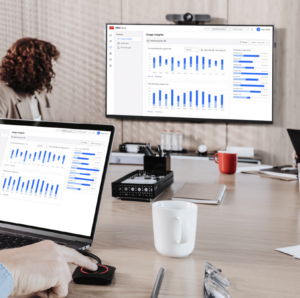
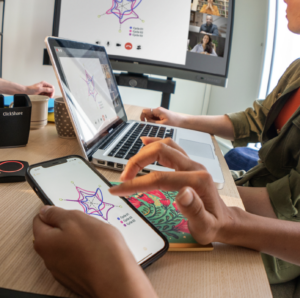 In today’s interconnected world, every meeting room, collaboration space, or presentation environment demands a complete and integrated AV solution. These can be very simple or quite complex. By asking all the right questions and offering all of the best solutions accordingly—you provide customers with a reliable, user-friendly experience that meets their goals and budgets. For resellers and integrators, this approach not only drives sales but also solidifies your role as a trusted partner in delivering cutting-edge AV solutions.
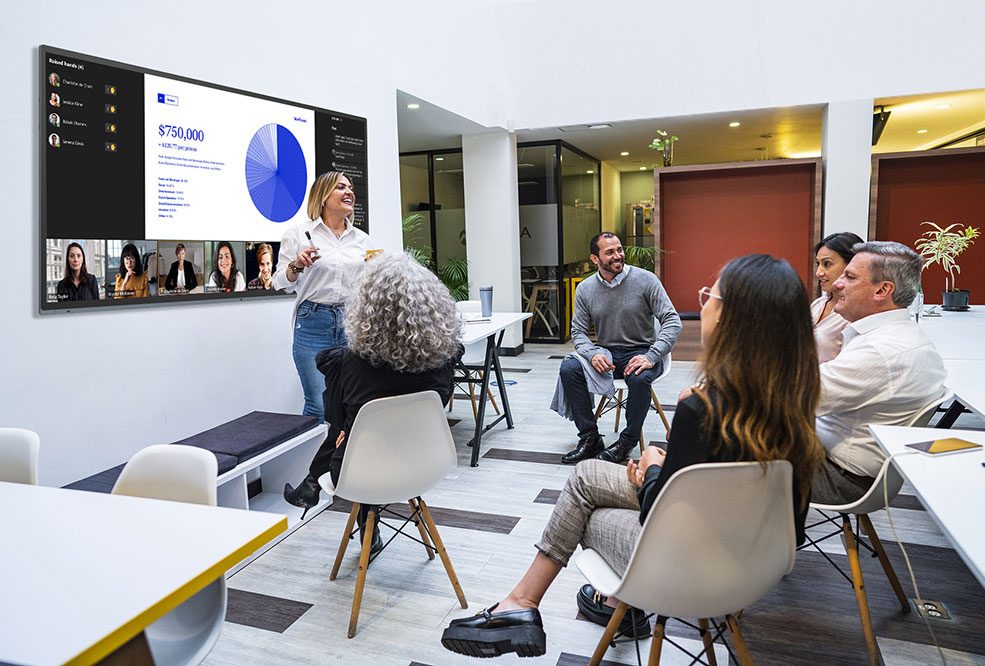 What equipment is needed for a Teams meeting?
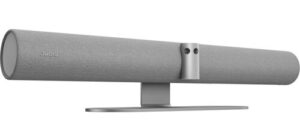 Exertis Almo offers a range of devices that meet these needs, such as the
 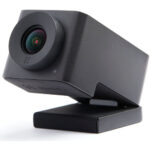 For example, the
  The
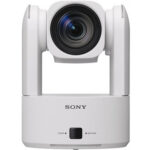
The 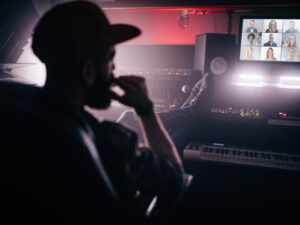 Let’s say Robbie Van Winkle, aka Vanilla Ice, wants to revive his singing career and plans to have Teams meetings with record producers across the globe. Maybe he needs a PTZ camera that offers tracking via Artificial Intelligence so that the far end will see his expressions as he paces the meeting room. Perhaps he needs the camera to focus on him and not his entourage in the background. Maybe he needs a simple, clean audio solution with a fantastic mic array and excellent speakers mounted on the wall. I would be happy to help Robbie’s AV integrator select the right materials for the job. AND if Robbie wants to join our meeting, that’s excellent too.
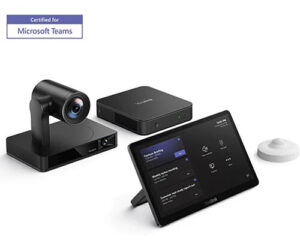 While we offer MTR licensing, we are aware many have a solution in place. Keep in mind, we can tailor a complete MTR solution, including Teams Room licenses to fit the budget and needs. Regardless of where you acquire your solution, do you have the right hardware to make for the best meetings? A camera and audio are a great starting point, but we can help you further. Do you need to share content with the participants in the room even when not using a conference solution? Do you need to capture these meetings for later playback? Has a touch control panel been considered? Or perhaps an interactive display?