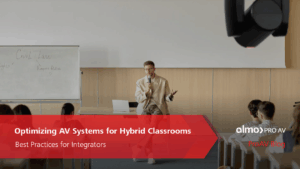
Optimizing AV Systems for Hybrid Classrooms: Best Practices for Integrators
The hybrid classroom, where in-person and remote learners connect seamlessly, is now a staple in education. With 67% of college instructors leading hybrid classes in 2023 (up from 52% before the pandemic), this approach is expected to continue growing across K–12 and higher education. As an AV integrator, you’re already aware that a well-designed AV system is key to engaging every student equally. Here’s how to tackle that challenge with confidence.
- Prioritize High-Quality Cameras & Flexible Coverage

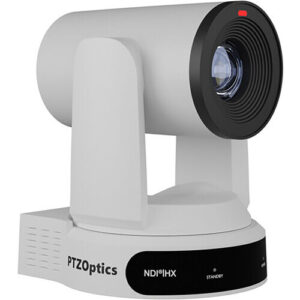
Opt for PTZ (Pan-Tilt-Zoom) cameras instead of fixed-lens models. They allow remote students to follow the instructor and classroom activity seamlessly. Lumens even suggests avoiding fixed lenses for multipurpose rooms due to their limited coverage.
Best practice suggestions:
-
- Choose auto-tracking cameras for hands-free presentation.
- Allow remote focus and zoom control via a secondary display or control console.
- Important: Don’t Allow Poor Audio to End the Class

Clear and intelligible audio is the foundation of effective hybrid learning. Ceiling mounted beamforming microphones, conferencing soundbars, and digital signal processors with (AEC) acoustic echo cancellation are just a few of the possible solutions used to ensure the class sounds as good as it looks.
Best practice suggestions:
-
- Consider lapel mics for presenters and ceiling or table mics for students to stay loud and clear. Microphones are just as important as the loudspeakers being used.
- Route audio through a central DSP with dynamic equalization, feedback suppression, and AEC (acoustic echo cancellation) to help balance out the sound and ensure no unwanted feedback/echo.
- Room acoustics matter. Taking into consideration the possible obstacles of reflective surfaces, open ceilings, and unwanted noises in the room will go a long way to stellar performance.
- Upgrade Displays and Sharing Infrastructure

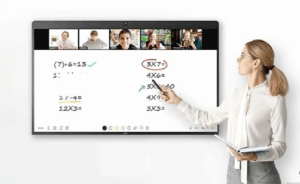
Dual displays, one for content, another for live video feed, help both in-room and remote participants stay engaged. Having the right size displays will ensure everyone in the room can clearly view what is being shown. Interactive whiteboards also boost collaboration, allowing annotations and media sharing in real time.
Best practice suggestions:
-
- Use interactive touch screens, or interactive projectors.
- Consider industry standards when it comes to the recommended display size for a given space.
- Fortify Network Reliability
A strong network is non-negotiable. Hybrid systems demand reliable bandwidth and proper Quality of Service (QoS) prioritization to avoid audio dropout or video lag.
Best practice suggestions:
-
- Validate network health before installation.
- Create separate AV VLANs to isolate traffic and maintain stability.
- Ensure Wi-Fi strength supports classroom needs effectively.
- Integrate Seamlessly with LMS and Collaboration Platforms
Ease of use for educators is essential. Sick of manual setup? So are teachers. Make sure your AV design integrates smoothly with platforms like Canvas, Blackboard, Zoom, or Microsoft Teams.
Best practice suggestions:
-
- Test both live streaming and on-demand delivery.
- Tie AV controls into existing classroom software wherever possible.
Why This Matters
Hybrid learning isn’t just a trend. It’s backed by data: over two-thirds of educators now embrace it. When AV systems falter due to poor audio, unreliable cameras, lagging video, remote learners disengage. Your expertise in deploying smart, integrated AV systems can ensure every voice is heard and every lesson matters.
Final Take
By implementing PTZ cameras, dependable audio, dual-display systems, robust networking, and smart integrations, you’ll deliver hybrid environments that feel inclusive, intuitive, and professionally engineered. For AV integrators who stay ahead of these practices, the payoff is improved learning outcomes, and stronger client trust.
Ready to upgrade your hybrid classroom AV? Connect with your Almo team for a free consultation on your next project.
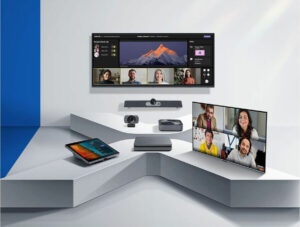 Here are a few examples of plug-and-play options that integrators are leveraging to help clients upgrade quickly:
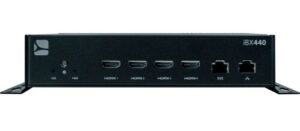
 AV over IP is rapidly replacing traditional AV distribution in government buildings. It offers flexibility, centralized control, and cost-effective scalability – especially for multi-site deployments and command centers.
 Virtual and hybrid meetings are now standard in government operations. Agencies need AV setups that support remote testimony, live streaming, and real-time collaboration with high security and accessibility.
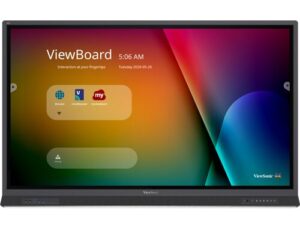
 Digital signage is becoming essential for real-time alerts, multilingual communication, and interactive wayfinding in public buildings. Agencies are replacing static signage with dynamic, remotely managed displays.
 Choosing the right technology is only part of winning in the public sector. The other part is having a partner who understands the entire procurement and deployment ecosystem – and that’s where Almo Pro AV excels.
 We train your sales staff to position secure AV solutions to government buyers, aligning product features with mandates like EO 14028, CISA OT guidance, and directives. Government buyers value reliability and expertise – we show up with both.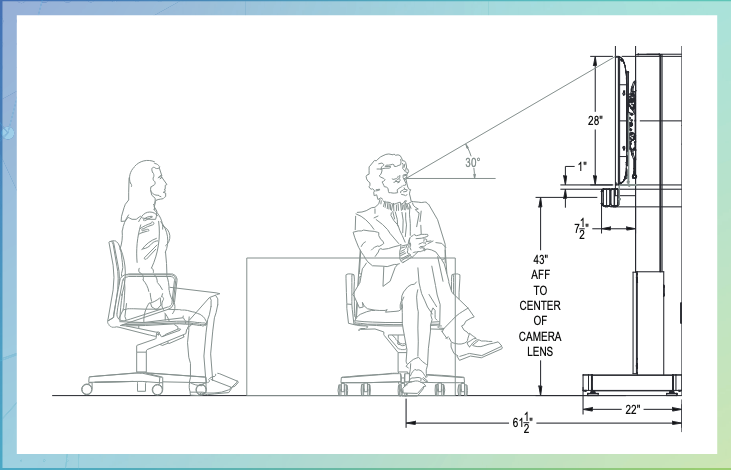
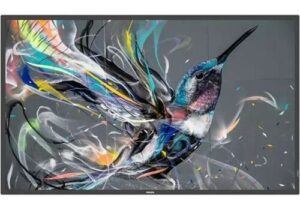 Display Solutions
 Free-Standing Mounts
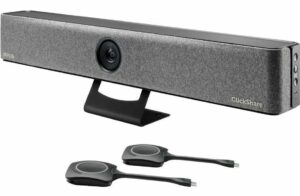 Effective video conferencing is essential for remote collaboration. The
  Reliable power management is critical to maintaining uninterrupted operations in your huddle space. The
 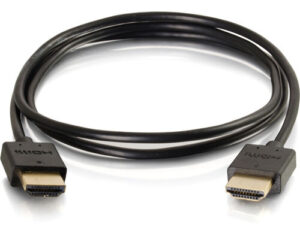 Quality cables are the backbone of any AV setup, ensuring clear and stable signal transmission. The
  The Trade Agreements Act (TAA) was enacted to encourage fair and open international trade, but in practice it has implemented the requirement that the US government may only acquire US- or “designated end country”-made end products.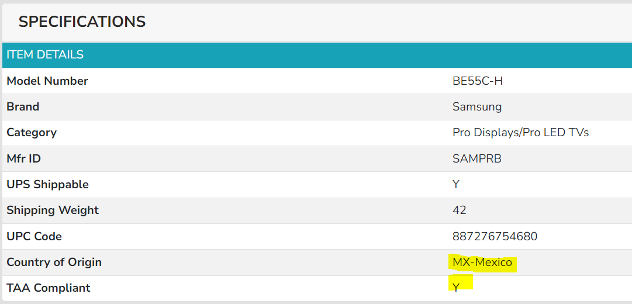
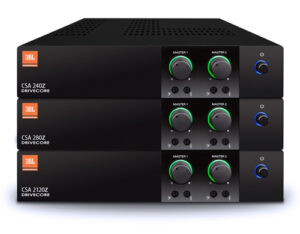
 AV OVER IP ENCODERS/DECODERS
 CABLES
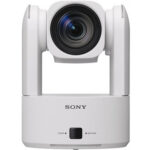 CAMERAS
 CONFERENCING
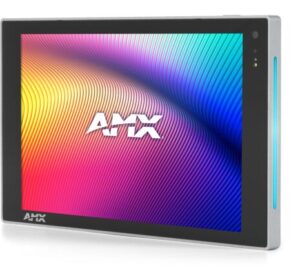 CONTROL
 AMX
AMX 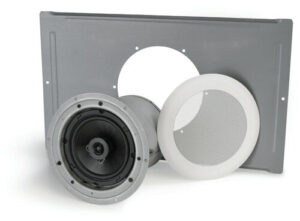 Atlas
Atlas  MOUNTS
 DIGITAL SIGNAGE
 AMX
AMX 
 Here is a list of things that I don’t want to see or hear including my nicknames for each: